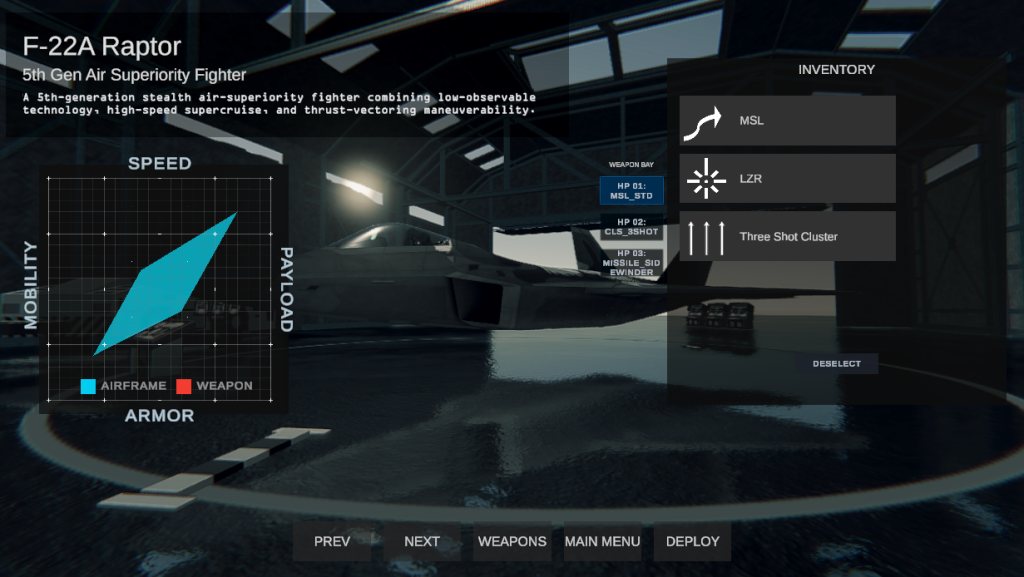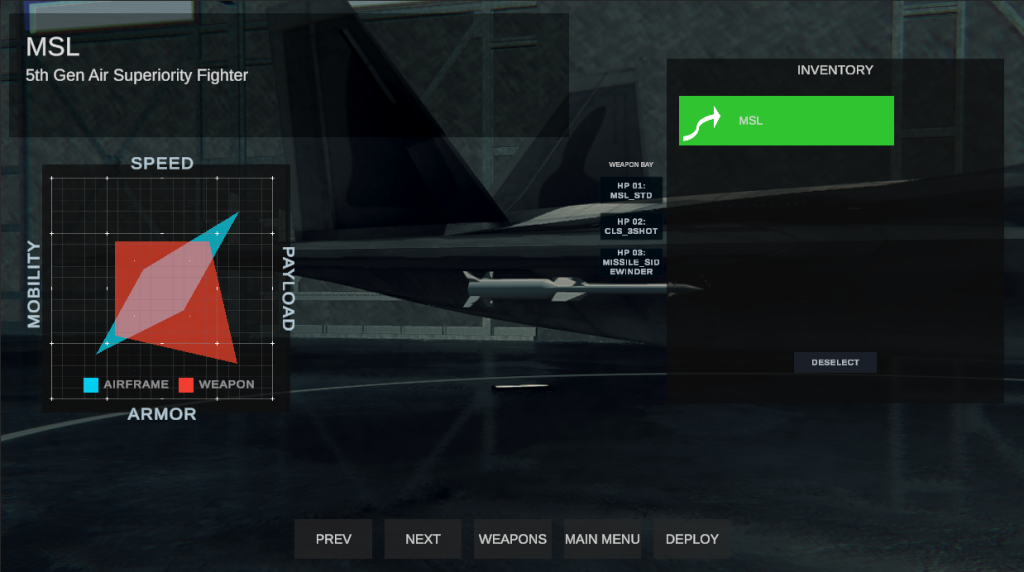







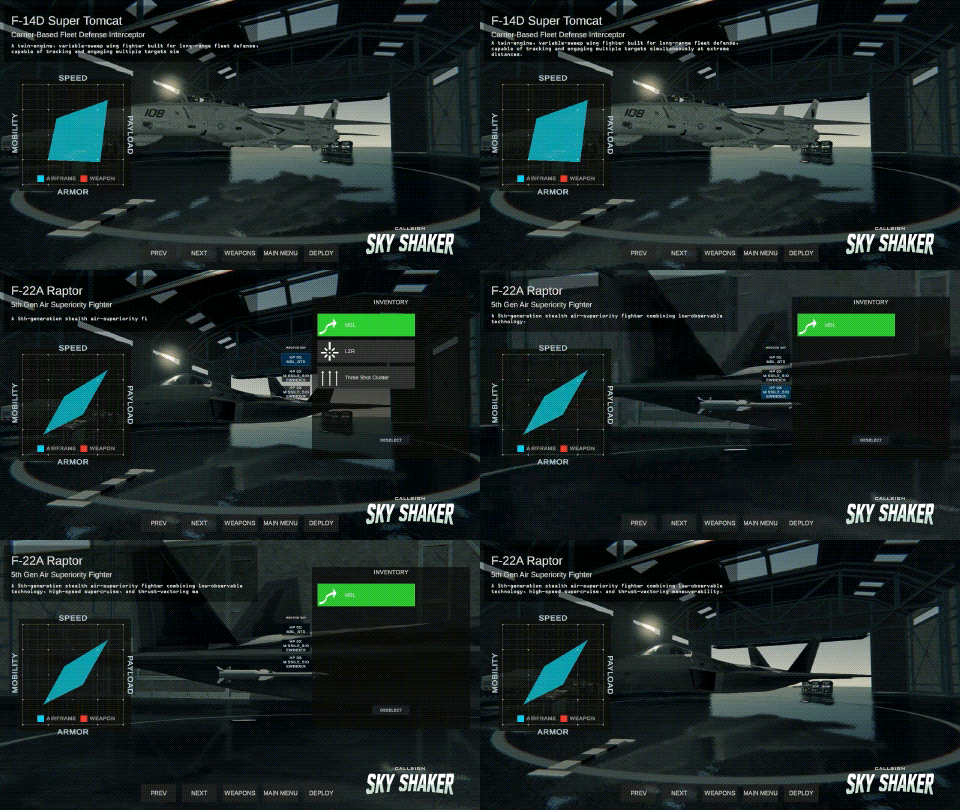
Mastering the Sky Shaker Hangar is essential for any pilot looking to dominate the skies and survive high-G dogfights. Whether you are equipping custom weapon loadouts or adjusting aircraft specs, learning how to use the Sky Shaker Hangar efficiently gives you the tactical edge required for victory.
Key Features of the Sky Shaker Hangar
Inside the Sky Shaker Hangar, players can inspect aircraft designs, configure specialized missile systems, and refine flight performance. Taking time between missions to optimize your loadout in the Sky Shaker Hangar ensures your jet is equipped to counter specific enemy threats and airspace conditions.
How it Works Behind the Scenes
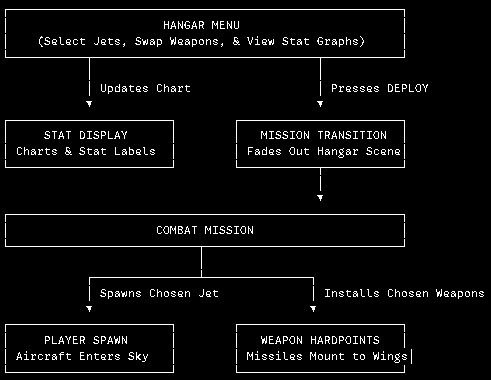
Hangar Menu Handles every button click in the hangar—from scrolling through aircraft options to picking special weapons and displaying descriptions on screen.
Stat Display Translates jet performance (speed, mobility, armor, and payload) into the visual graph on your screen, automatically arranging text labels around the chart.
Mission Transition Saves your current hangar choices and handles the smooth fade transition from the hangar into the combat level.
Player Spawn Reads your chosen aircraft as the mission starts and loads your jet directly into the sky.
Weapon Hardpoints Takes your selected missile and special weapon choices from the hangar and attaches the 3D models onto your aircraft’s wing and belly mounts.