















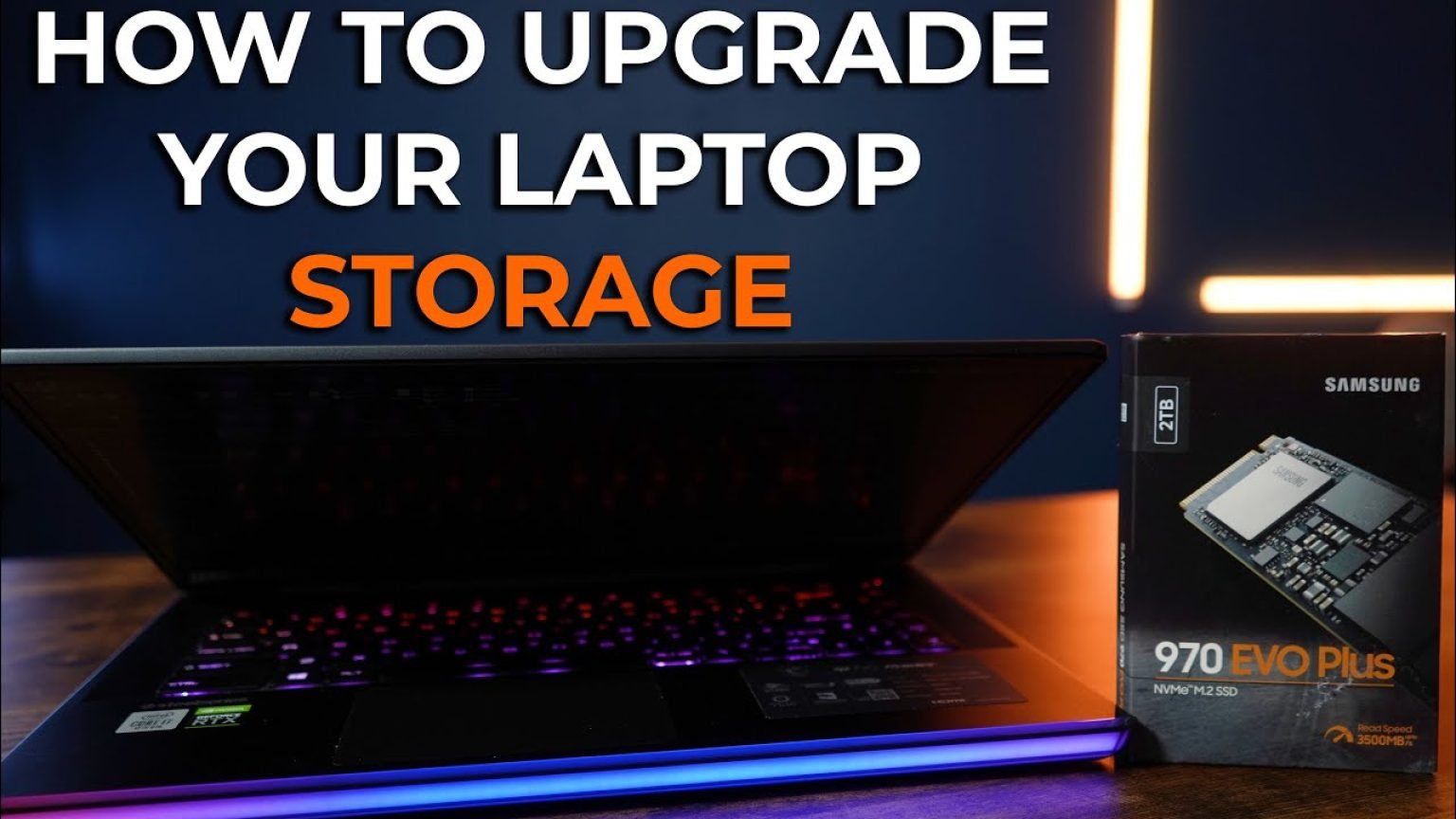
With modern applications, massive game files, and high-resolution video assets continuously expanding in size, the stock storage that came with your laptop is likely nearing its capacity. Upgrading your machine’s internal storage with a high-performance NVMe solid-state drive is one of the most cost-effective ways to revitalize an aging system or expand a newer rig’s capabilities. Whether you are transitioning to a faster PCIe 4.0 architecture or simply adding terabytes of breathing room, a physical storage upgrade delivers immediate, tangible dividends in boot times, file transfers, and application responsiveness.
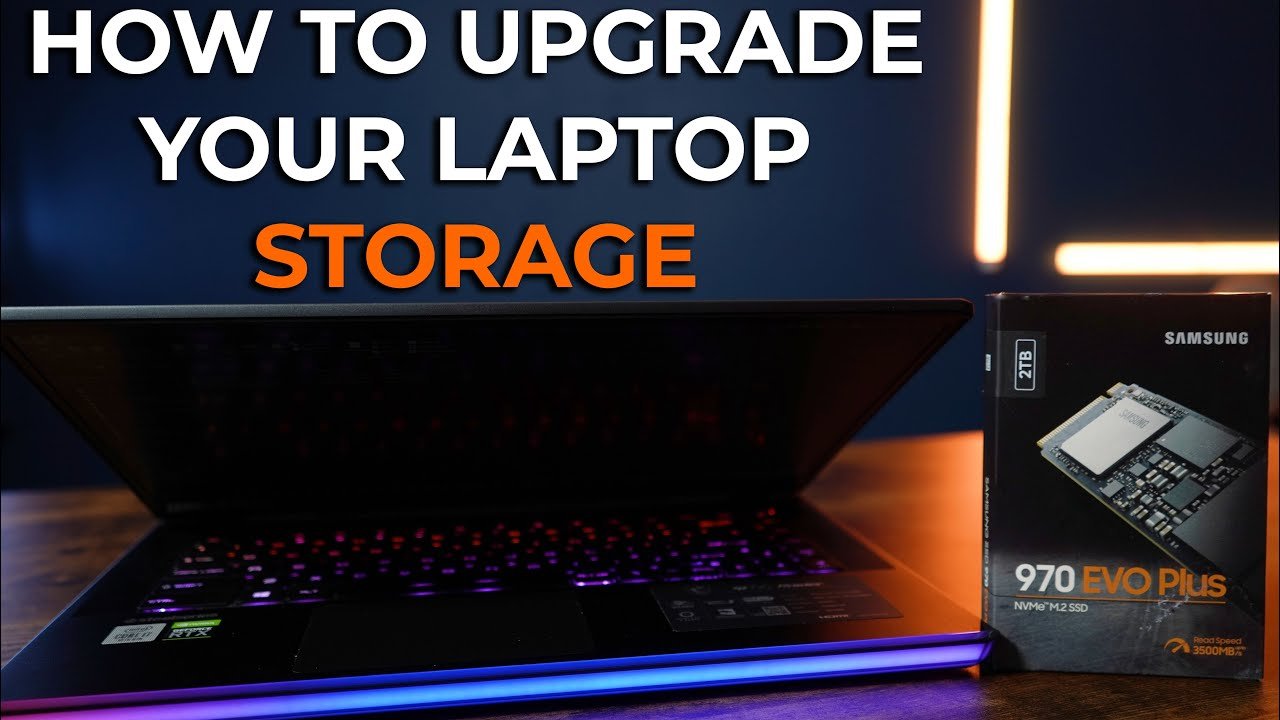
Understanding NVMe Form Factors and Interface Compatibility
Before cracking open your laptop’s chassis, understanding the physical and electrical limitations of your motherboard is critical. The vast majority of modern thin-and-light notebooks, gaming rigs, and workstation laptops utilize the M.2 form factor, specifically the standard 2280 size (22mm wide by 80mm long). However, ultra-compact devices may occasionally require shorter 2230 or 2242 drives.
From an architectural standpoint, you must verify whether your laptop supports PCIe 3.0, PCIe 4.0, or cutting-edge PCIe 5.0 protocols. While a PCIe 4.0 drive like the Samsung 990 PRO is backward compatible with older PCIe 3.0 slots, its transfer speeds will be artificially capped by the older interface. Conversely, dropping a legacy drive into a high-bandwidth PCIe 4.0 slot leaves performance on the table. Consult official manufacturer platforms such as Intel or AMD documentation to verify lane allocations and chipset limitations.
| Component Name | Architecture / Platform | Capacity Range | Thermal Output | Targeted Use Case |
|---|---|---|---|---|
| Samsung 990 PRO | PCIe 4.0 x4 NVMe M.2 | 1TB – 4TB | Low to Moderate (Optional Heatsink) | High-end gaming, video editing, professional workstations |
Step-by-Step Installation Protocol
Executing a clean, hardware-safe installation requires patience and the proper tools. Avoid electrostatic discharge (ESD) by working on a non-conductive surface and utilizing an anti-static wrist strap when possible.
1. Preparation and Data Migration
If you intend to retain your current operating system installation rather than performing a fresh Windows or Linux install, you will need to clone your existing boot drive. Connect your new NVMe SSD to your system via an external M.2 to USB enclosure, use cloning software to mirror the partition layout, and verify the integrity of the cloned image before proceeding with the physical hardware swap.
2. Power Disconnection and Chassis Removal
Power down the laptop completely, disconnect the AC adapter, and remove any external peripherals. Unscrew the bottom chassis panel, keeping track of varying screw lengths. Once the back cover is secured, disconnect the internal battery cable immediately. Allowing power to flow through the motherboard while seating or unseating M.2 components risks short-circuiting sensitive integrated circuits.

Garrity Slams Shapiro Vowing To Halt PA Data Center Development Over Budgets
Pennsylvania State Treasurer Stacy Garrity has stepped up her policy agenda in…

Rep. Meuser on NEWSLINE
As Capitol Hill navigates a dense legislative calendar and mounting economic pressures,…
High-End Gaming PC Power Consumption: New Utility Plan Lowers Electricity Bills for High-Spec Rigs
German Utility Provider Launches "Gaming Electricity" Plan for High-Consumption Households German utility…
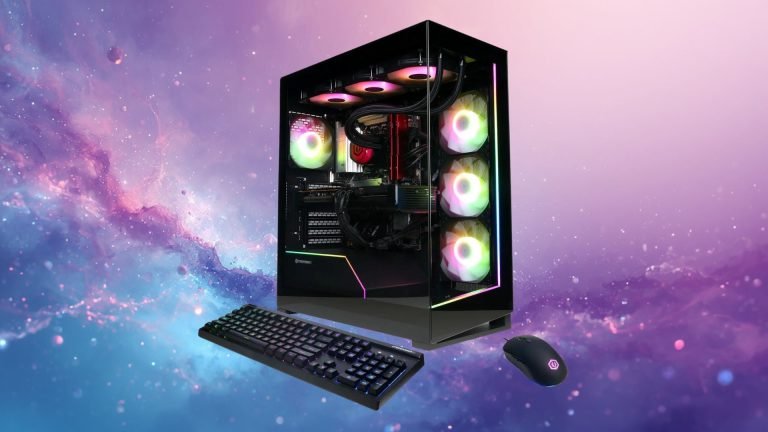
All-AMD 4K Gaming PC Deal: Save $260 on Ryzen 7 9800X3D & Radeon RX 9070 XT Rig with 32GB DDR5 & 2TB SSD
Newegg Cuts $290 Off This All-AMD 4K Gaming PC Featuring the Ryzen…

Why Samsung Odyssey Ark Dominates As The Best Gaming Monitor Of 2022
Welcome back to the Philly PI hardware desk, where we put the…
3. Seating the New NVMe Drive
Locate the M.2 slot on the motherboard. Insert the new solid-state drive at a roughly 30-degree angle into the slot until the gold edge connector pins are mostly obscured. Gently press the opposite end of the drive flat against the motherboard standoff and secure it using the retention screw or toolless latch mechanism.
4. Reassembly and Thermal Management
Reconnect the internal laptop battery, snap and screw the bottom chassis panel back into place, and boot up the system. Pay close attention to thermal performance; tight laptop chassis often lack active cooling for secondary M.2 slots, making low-profile thermal pads essential for sustaining maximum read and write speeds during heavy sustained workloads.
Editor’s Takeaway: Who Should Buy?
Upgrading your laptop storage with a high-speed NVMe drive remains an indispensable project for power users, content creators, and gamers alike. The performance delta between traditional SATA drives or aging PCIe 3.0 hardware and modern flash memory architectures is substantial.
- Pros: Dramatic improvements in sequential read/write throughput, substantial capacity expansions, and straightforward installation processes.
- Cons: Potential thermal throttling in compact laptop chassis, and the necessity of cloning software or clean OS re-installations.
- Who Should Buy: Users experiencing storage bottlenecks, professionals handling large media assets, and gamers needing space for modern titles demanding rapid asset streaming.